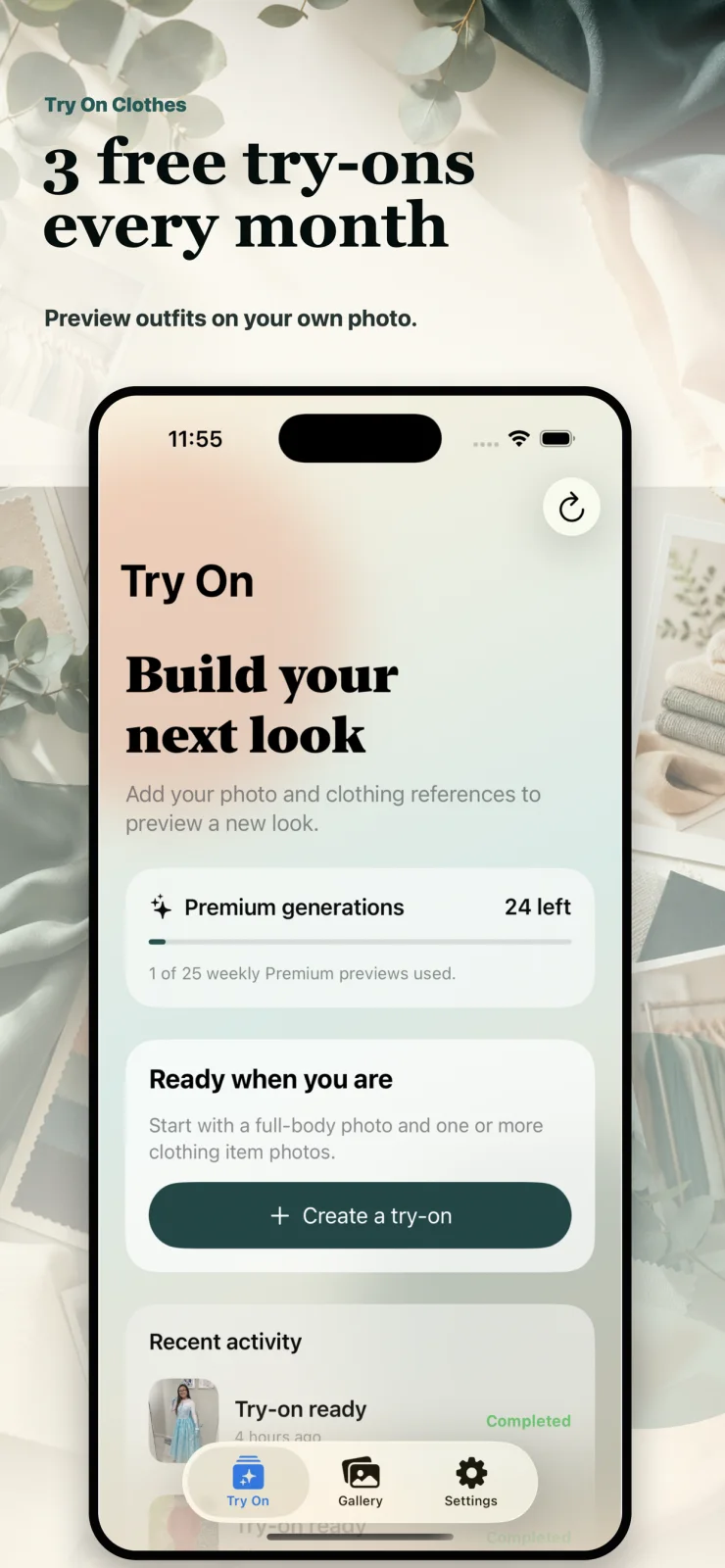
Start with your photo
Use a clear full-body photo and see your remaining try-on allowance before you create.
 AI outfit preview app
Preview outfits on your own photo using clothing references from your camera roll, screenshots, or saved product images.
3
free try-ons every month
4
clothing item photos per preview
AI
generated previews for inspiration
How it works
1
Choose a clear full-body photo in good lighting so the preview has enough posture and outfit context.
2
Upload one or more front-facing clothing references from Photos, Files, camera, or clipboard.
3
Review the inputs, spend one generation, and save the AI-generated result to your gallery.
Inside the app
These screens come from the real iPhone app flow, including quota, input selection, gallery, and sharing.
Use a clear full-body photo and see your remaining try-on allowance before you create.
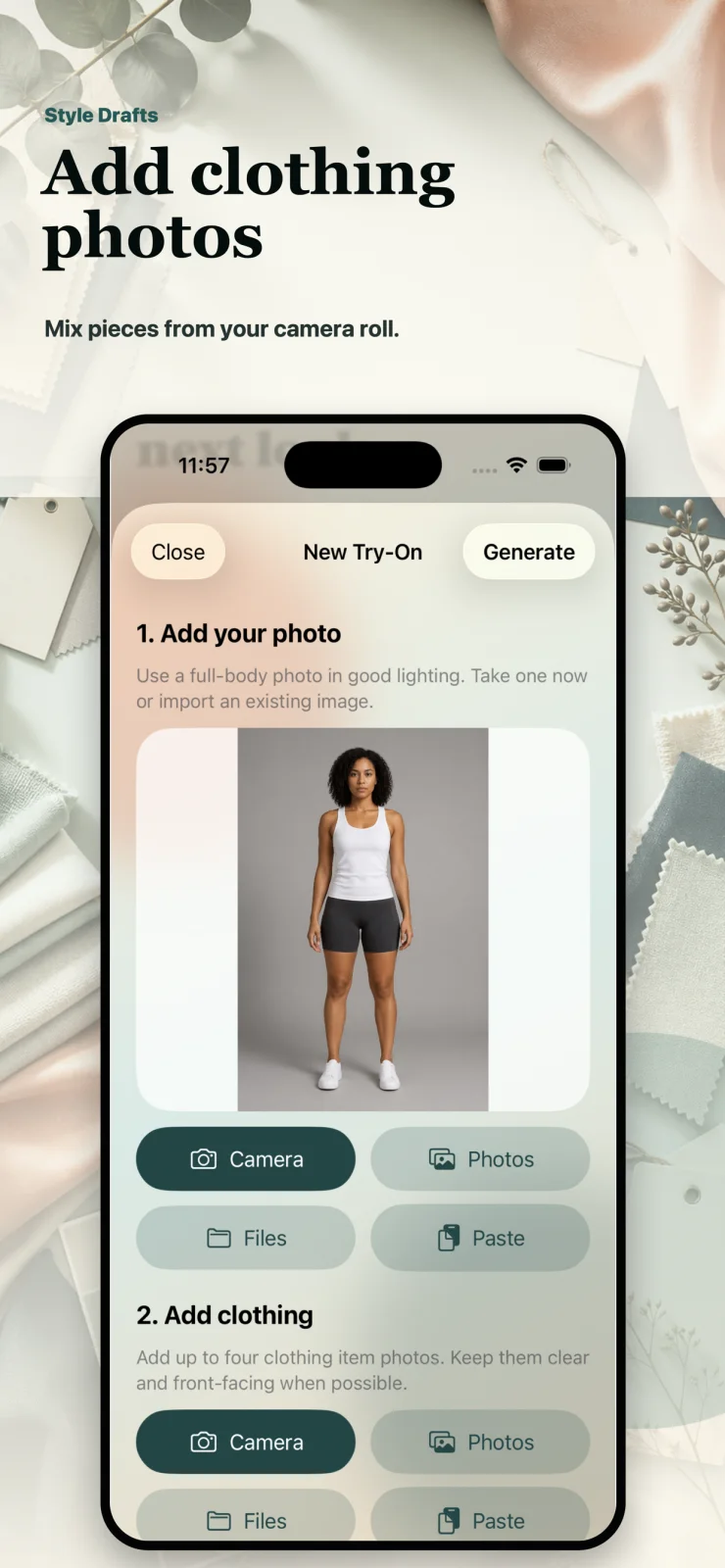
Import item photos from camera, Photos, Files, or paste from your clipboard.
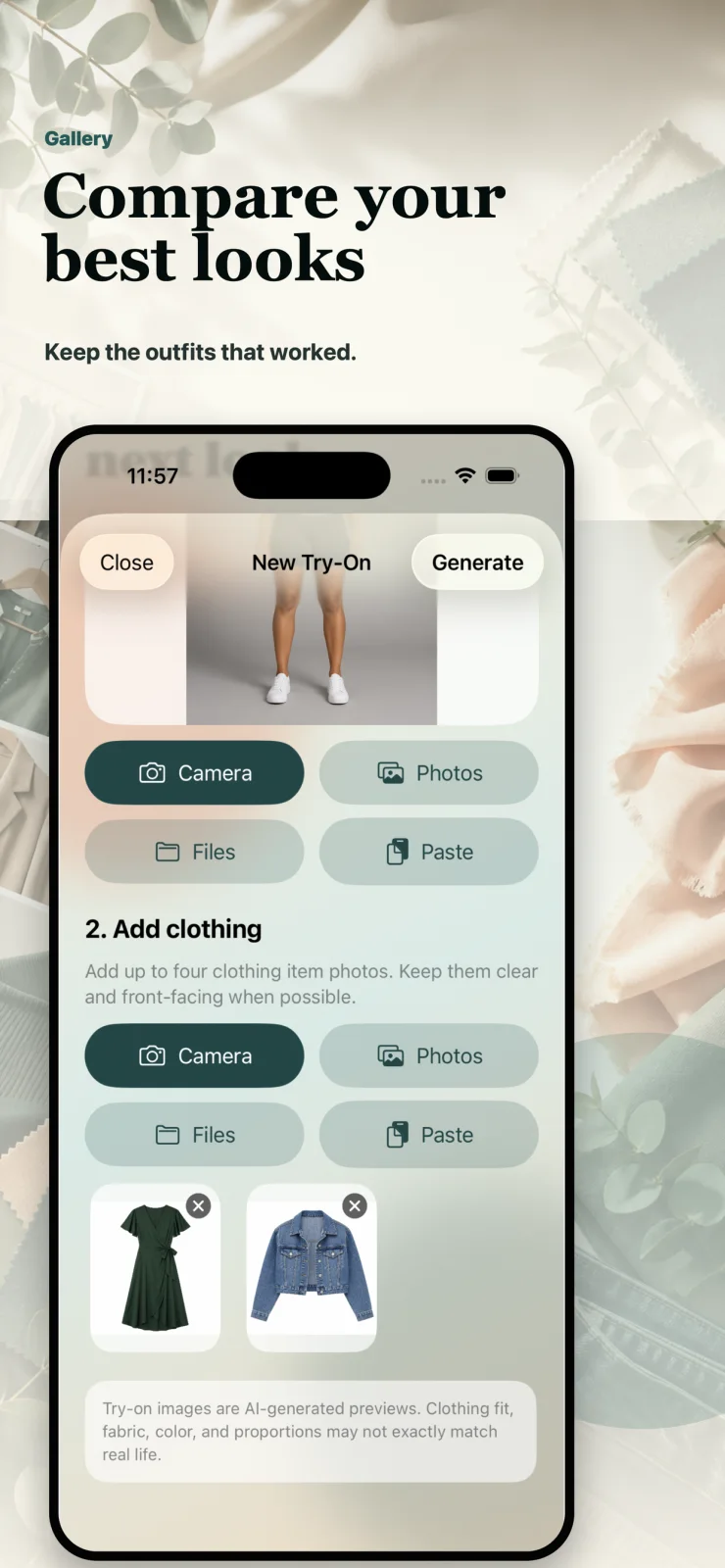
Keep generated looks in your gallery so you can revisit outfits that worked.
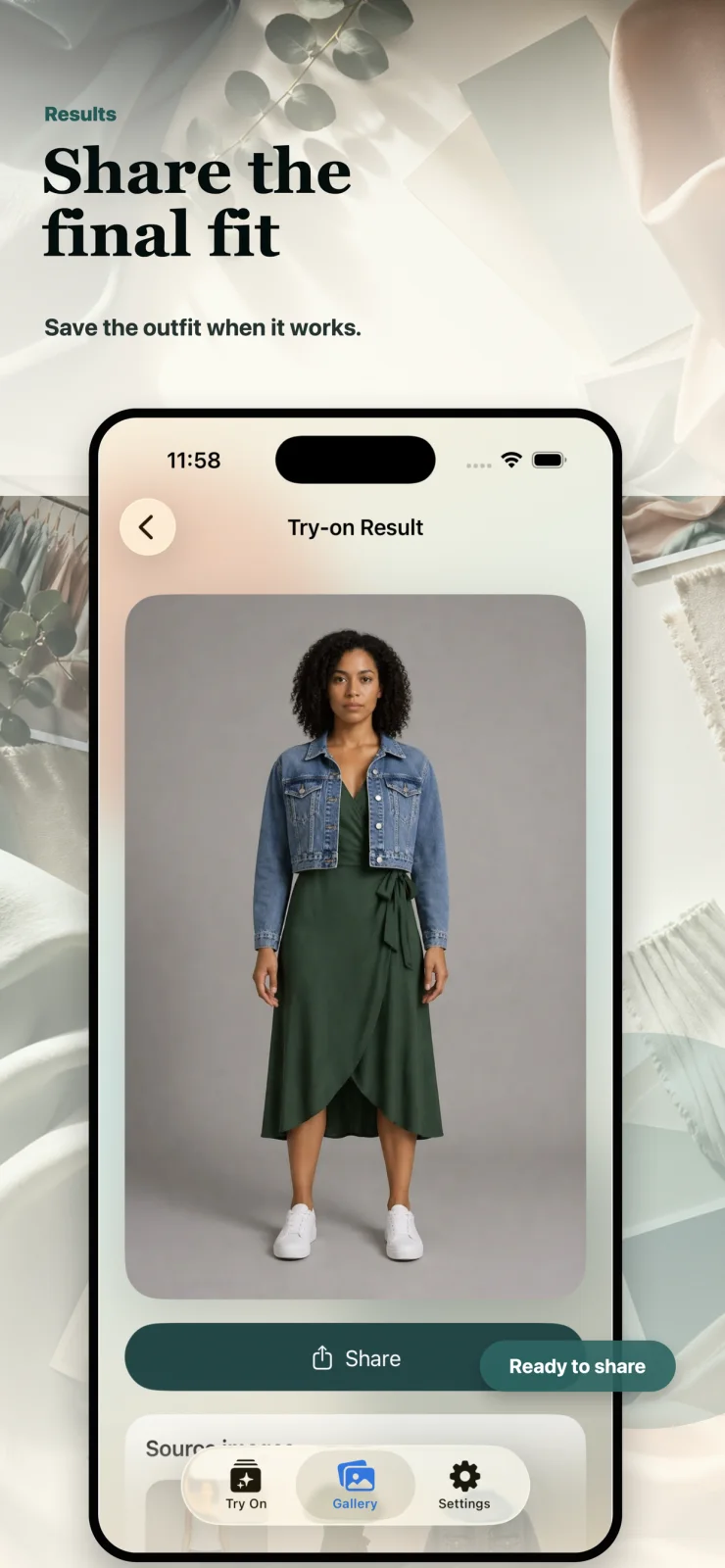
Save or share AI-generated previews before you buy, pack, or post.
Privacy minded
Your quota, gallery, and subscription state follow your account across installs.
The app sends requests through this service instead of calling AI providers directly from your device.
You can delete your Try On Clothes account and generated history from in-app settings.
AI-generated previews are for inspiration and may not match real-world fit or fabric behavior.